
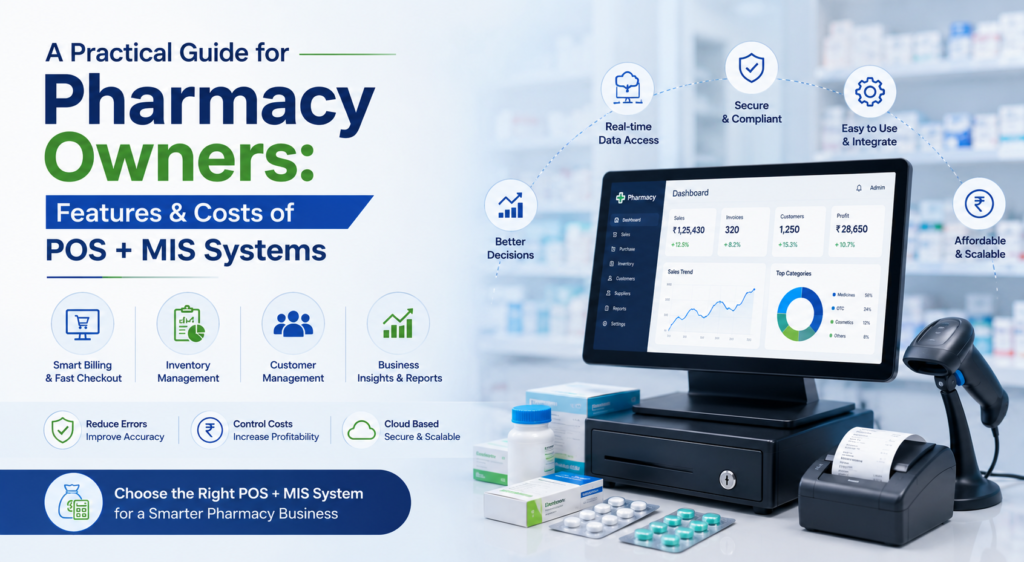
A Practical Guide for Pharmacy Owners: Features & Costs of POS + MIS Systems
Introduction
Running a pharmacy involves far more than dispensing medicines. Pharmacy owners must juggle billing, stock management, expiry control, vendor relations, compliance, and customer service—all at once. Relying solely on manual processes makes this workload overwhelming and error-prone.
This is where a reliable POS + MIS system becomes a game changer. In this pharmacy POS guide, we break down the key features, cost considerations, and evaluation criteria so pharmacy owners can confidently select the right software for their business.
1. Understanding POS vs MIS: What’s the Difference?
A POS handles front-end operations such as:
- Billing
- Barcode scanning
- Prescription entry
- Customer record tracking
An MIS manages back-end operations like:
- Purchase management
- Stock reconciliation
- Expiry tracking
- Business analytics
- Profit margin reporting
A combined POS+MIS system offers complete control over the pharmacy’s daily operations.
2. Essential Pharmacy Software Features
Every pharmacy should look for essential pharmacy software features, including:
a. Fast Billing & GST Automation
Quick billing reduces wait time and ensures compliance.
b. Real-Time Stock Monitoring
Prevents stock-outs and overstocking.
c. Expiry & Batch Tracking
Avoids losses from expired medicines.
d. e-Prescription Support
Useful in a digital healthcare environment.
e. Supplier Management
Monitors purchase history and vendor performance.
f. Reports & Analytics
Helps owners understand profits, margins, and peak demand.
These features form the core of any reliable pharmacy software evaluation.
3. POS System Cost Analysis
Software pricing varies based on:
- Features
- Cloud vs on-premise
- Number of users
- Support availability
- Integration options
A thorough POS system cost analysis should consider:
- One-time installation charges
- Subscription fees
- Add-ons like barcode scanners or printers
- Training and onboarding costs
While cheaper systems may seem attractive, they often lack critical features such as expiry alerts or GST compliance.
4. Pharma MIS Comparison: How to Evaluate Options
When performing a pharma MIS comparison, consider:
a. Scalability
Can the system support multiple branches later?
b. Customizability
Does it allow creating custom workflows?
c. Integration capabilities
Will it sync with accounting tools, lab systems, or online delivery apps?
d. Security
Does it offer encrypted access and automatic backups?
e. Support & training
Is vendor support available 24/7?
Choosing the right POS requires aligning the software’s capabilities with long-term business goals.
5. Pharmacy Tech for Small Businesses
Small pharmacies benefit significantly from pharmacy tech for small businesses, as digital tools:
- Reduce operational burden
- Improve stock accuracy
- Enhance customer trust
- Simplify audits
- Increase monthly revenue
Digitization levels the playing field between small independent pharmacies and large retail chains.
6. Creating a POS Buying Checklist
A strong POS buying checklist should include:
- Fast billing speed
- Mobile/desktop compatibility
- Cloud-based backups
- Multi-store readiness
- Reliable customer support
- Comprehensive reporting
- Automatic expiry alerts
- User-friendly interface
This ensures the chosen system is robust, efficient, and future-ready.
7. Best POS for Pharmacies — What Sets Them Apart?
The best POS for pharmacies are those that offer:
- Minimal downtime
- Smooth user experience
- Strong inventory modules
- Compliance-friendly tools
- Consistent updates
Pharmacies that invest in high-quality software experience smoother operations, reduced losses, and better business insight.
Conclusion
A pharmacy’s success depends on efficiency, accuracy, and reliable service. A well-chosen POS + MIS system delivers all three. By understanding features, evaluating costs, and comparing the right parameters, pharmacy owners can make informed decisions that strengthen business operations and boost long-term growth.
Digital transformation begins with selecting a system that simplifies daily tasks and supports future expansion.
Sources & Further Reading
- Business Standard – Reports on India’s retail pharmacy modernization
- TechRadar – Comparisons of POS systems and software
- Bloomberg – Insights into digital adoption trends in small businesses